 Chiptune Sequencer: C.H.I.P.
A chiptune synth with plain controls
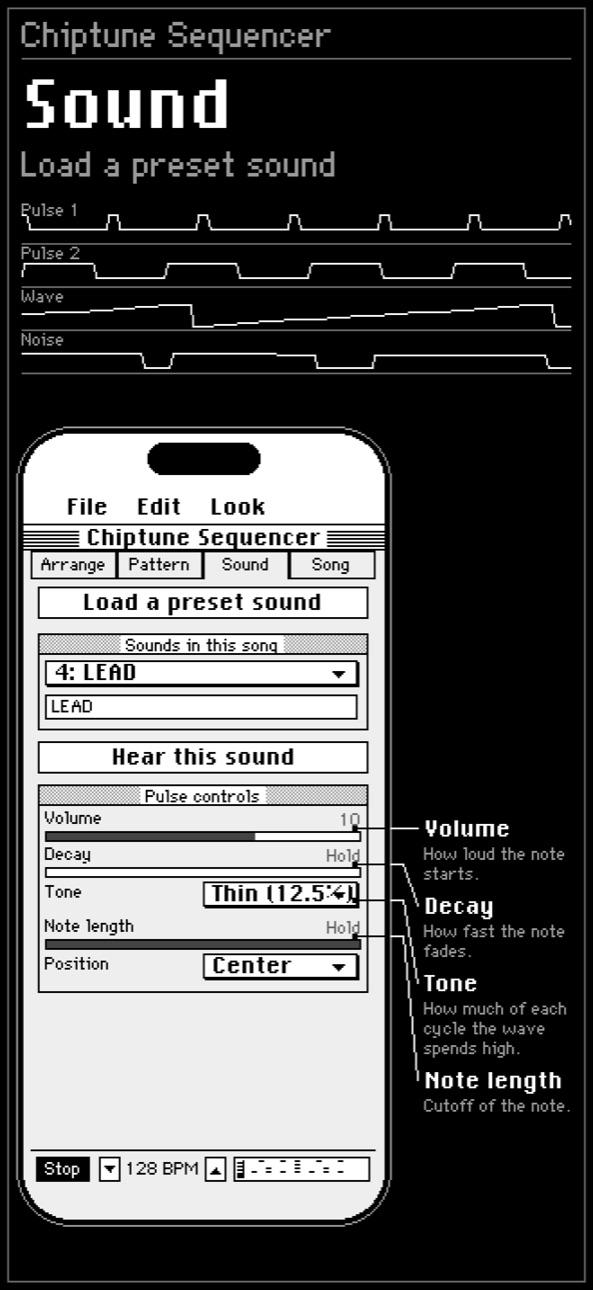
Sound is the synth. Every control has a plain name, a sentence saying what it does, and a button to hear the result. There is a preset library if you would rather start from something that already works.
The controls
- Volume: how loud the note starts, from silent to 15.
- Decay: how fast the note fades. Hold means it does not fade at all, which is what a melody wants.
- Tone: how much of each cycle the wave spends high, Thin 12.5%, Narrow 25%, Full 50% or Wide 75%. Thin settings cut through a mix, wide ones sound rounder.
- Note length: a hard cutoff, whatever the decay is doing.
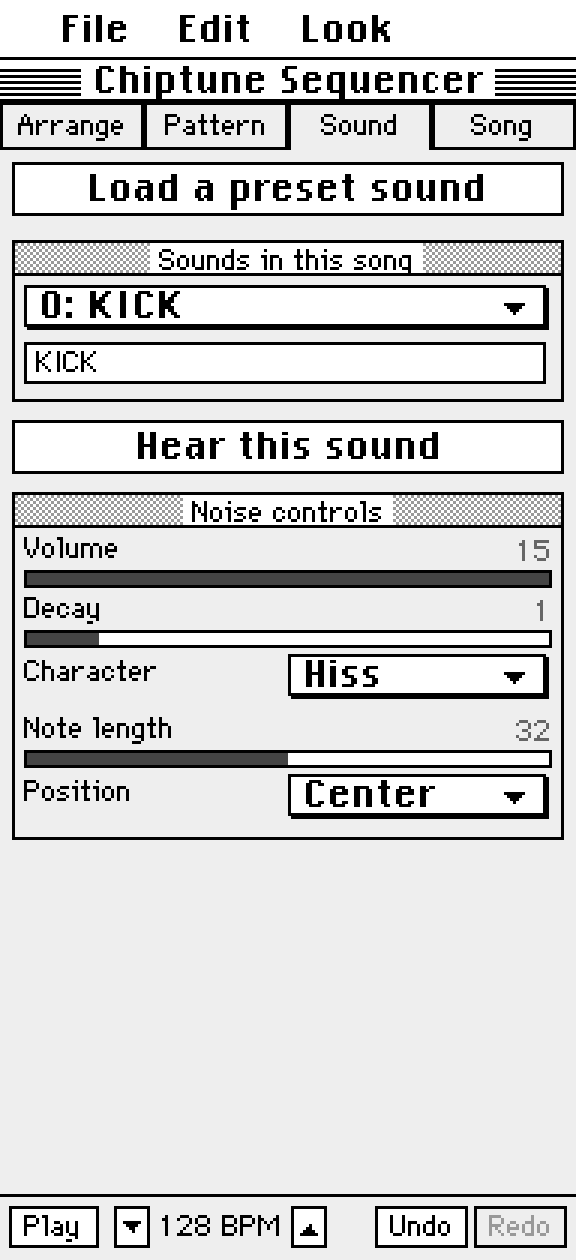
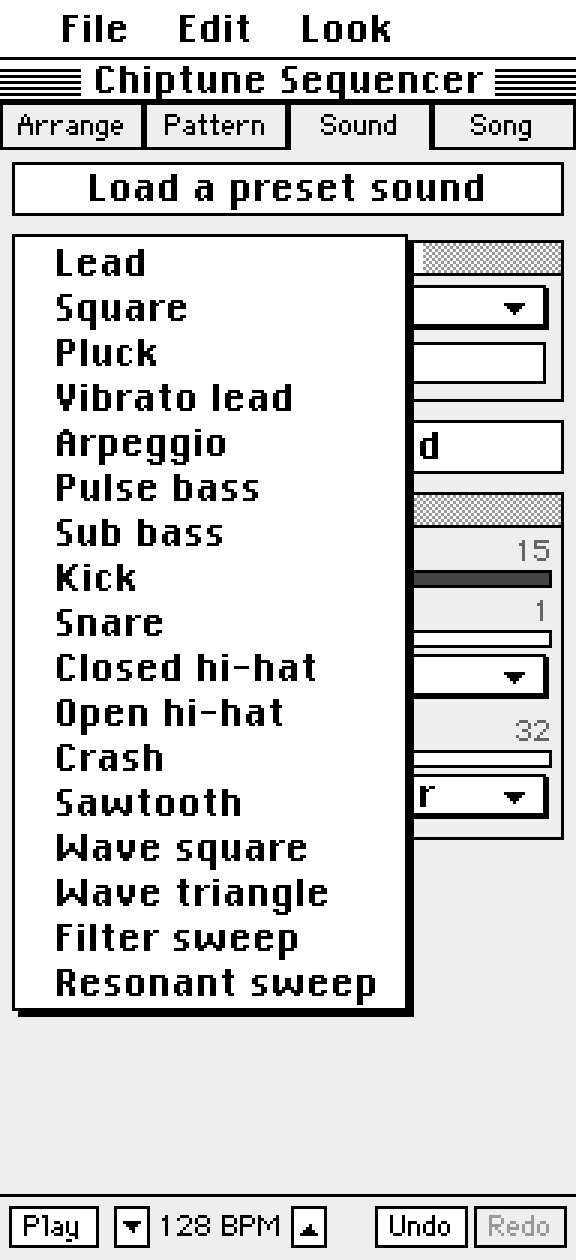
17 presets
- Lead: Lead, Square, Pluck, Vibrato lead, Arpeggio.
- Bass: Pulse bass, Sub bass.
- Drums: Kick, Snare, Closed hi-hat, Open hi-hat, Crash.
- Synth: Sawtooth, Wave square, Wave triangle, Filter sweep, Resonant sweep.
Questions
What does the Lead preset sound like?
A thin, cutting melody voice: the sound most people mean by chiptune.
Try it in Chiptune Sequencer: C.H.I.P.
Free on the App Store for iPhone and iPad. Requires iOS 17 or later.