 Chiptune Sequencer: C.H.I.P.
A step sequencer with effects you can read
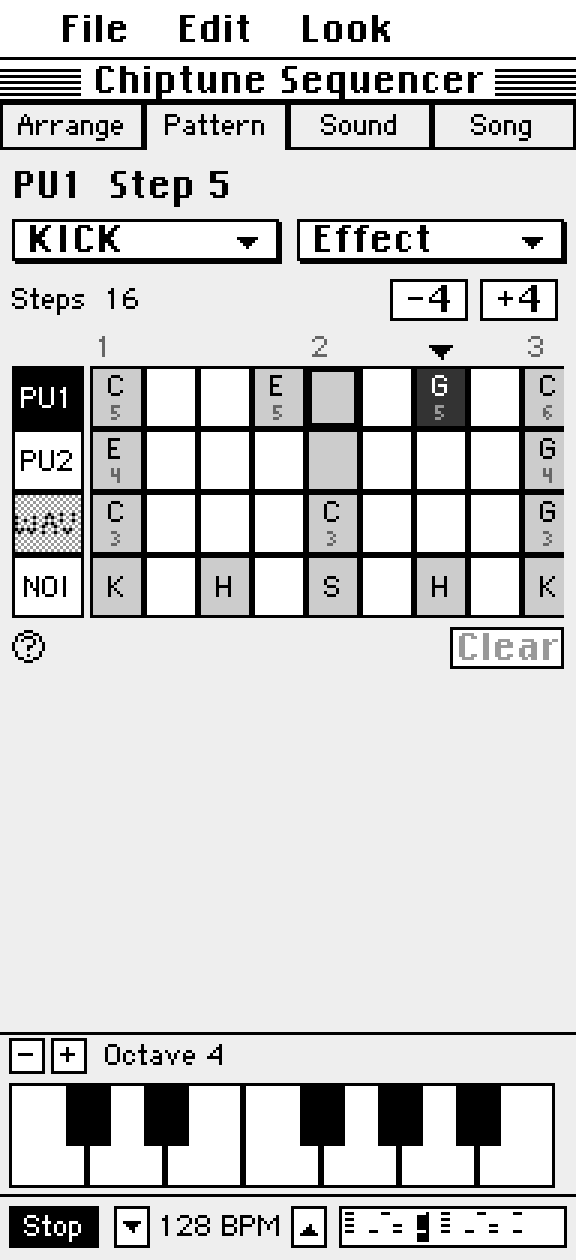
Pattern is where notes go. Four lanes down, time across. Tap a cell, then play a key or a drum pad to fill it.
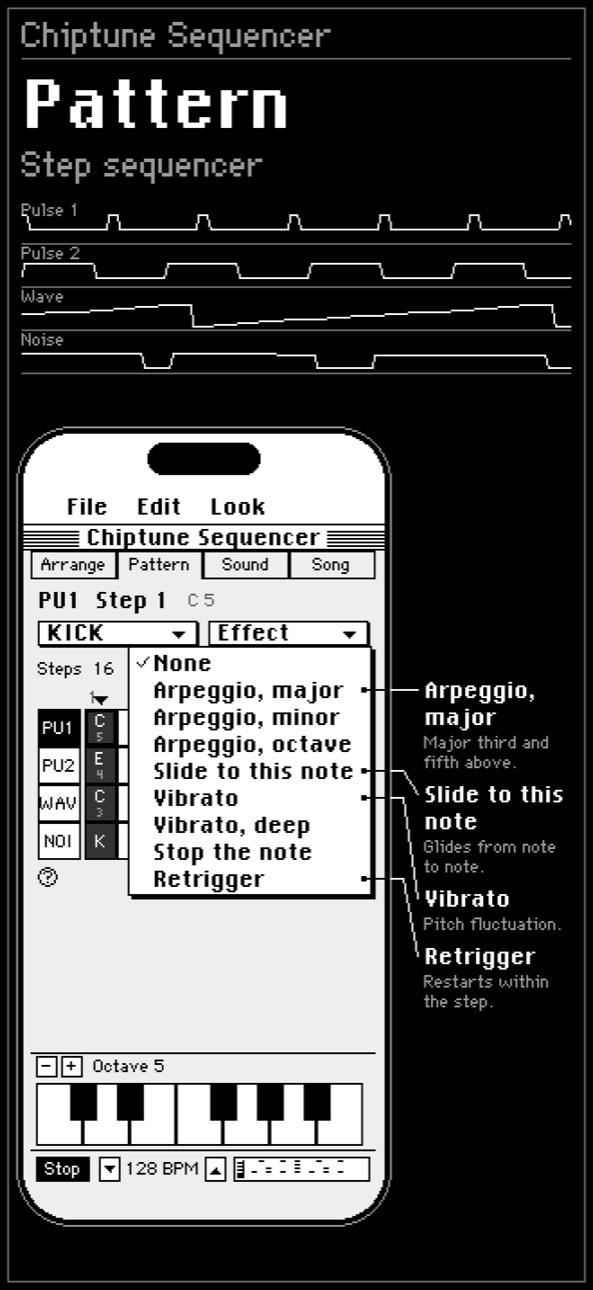
Effects come from a menu you can read, so you pick Arpeggio, major instead of memorizing a code.
Effects by name
- Arpeggio, major: the major third and fifth above.
- Arpeggio, minor and Arpeggio, octave.
- Slide to this note: glides from note to note.
- Vibrato and Vibrato, deep: pitch fluctuation.
- Stop the note.
- Retrigger: restarts the note over and over within the step, a little quieter each time.
Steps and patterns
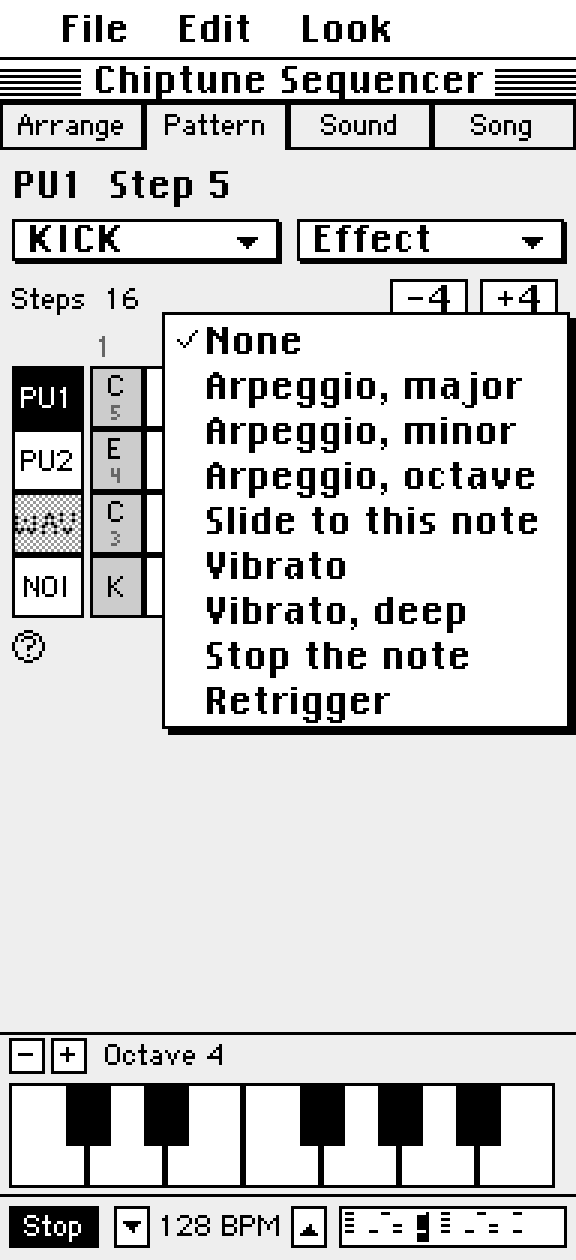
A phrase is 16 steps, and a pattern can run up to 256 steps. Drag the grid sideways to move along it, and use the on screen keyboard, switching octaves, to enter notes.
Edit freely
Undo and Redo are always in the Edit menu, along with Clear step and Clear track.
Questions
Can I use the effect codes I know from trackers?
The menu shows effects by name. Commands outside that list still appear with their raw letter, so nothing in an imported song is hidden.
Try it in Chiptune Sequencer: C.H.I.P.
Free on the App Store for iPhone and iPad. Requires iOS 17 or later.