 Hayom: Study
Hayom Yom on your home screen
The Hayom widget, Daily Lesson, shows today's daily lesson on your home screen: the title, the Hebrew date and the day's text, in the style and language you picked in the app.
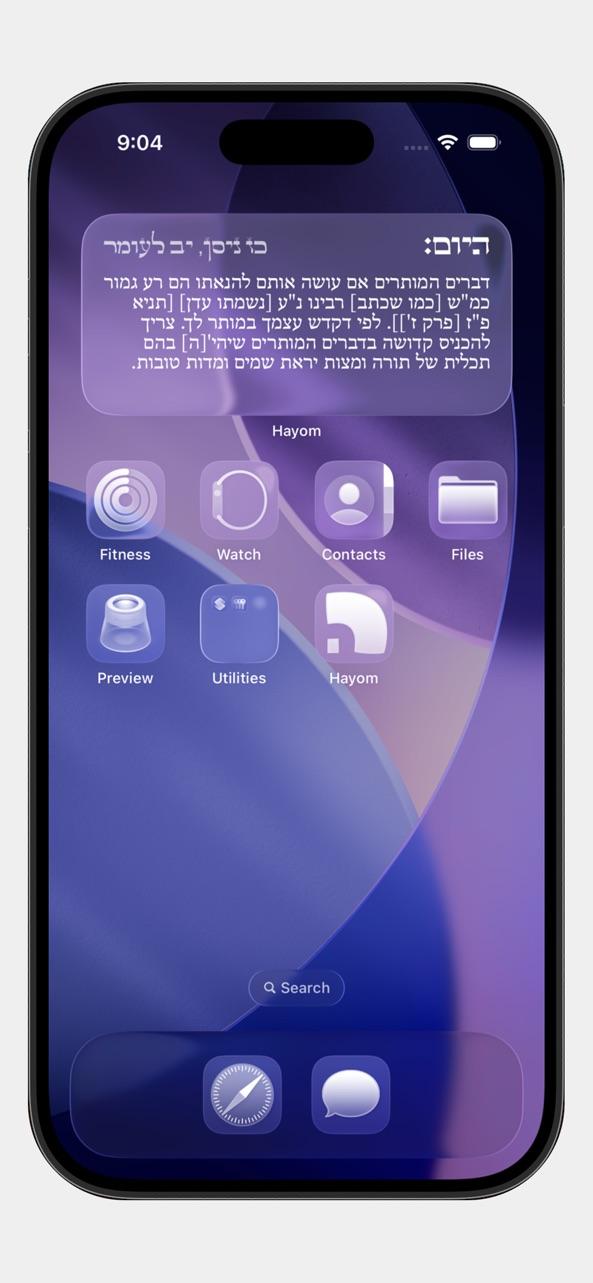
Add the widget
- Long press firmly on your home screen.
- Tap the + icon at the top of the screen.
- Search for Hayom.
- Choose a size and tap Add Widget to place it on your home screen.
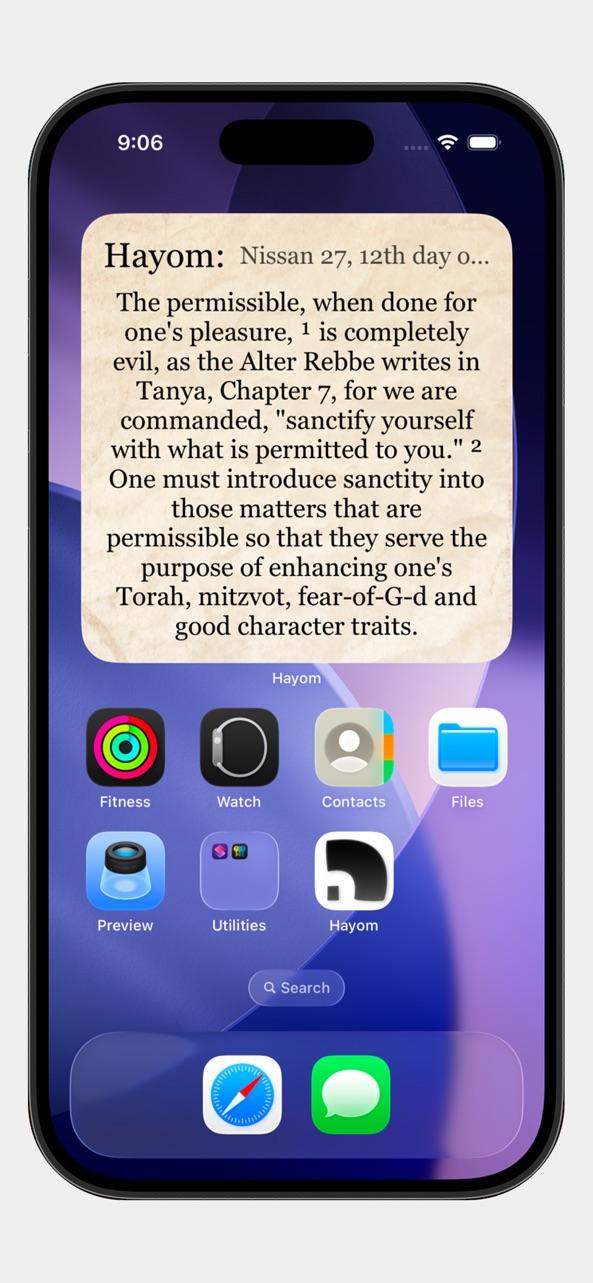
Sizes
Small, medium and large on the home screen, and a rectangular widget on the lock screen on iOS 16 and later.
Always today
The widget moves to the next entry at the start of each day by itself. Open the app once after installing so the widget has the calendar it needs.
Questions
The widget says to open the app first.
Open Hayom: Study once after installing. The app gives the widget the days ahead, and from then on it updates by itself.
Does the widget follow my style?
Yes. It uses the style, alignment and background you chose in the app.
Try it in Hayom: Study
Free on the App Store for iPhone and iPad. Requires iOS 15.1 or later.