 Pro Musician Toolkit
Write chord charts bar by bar
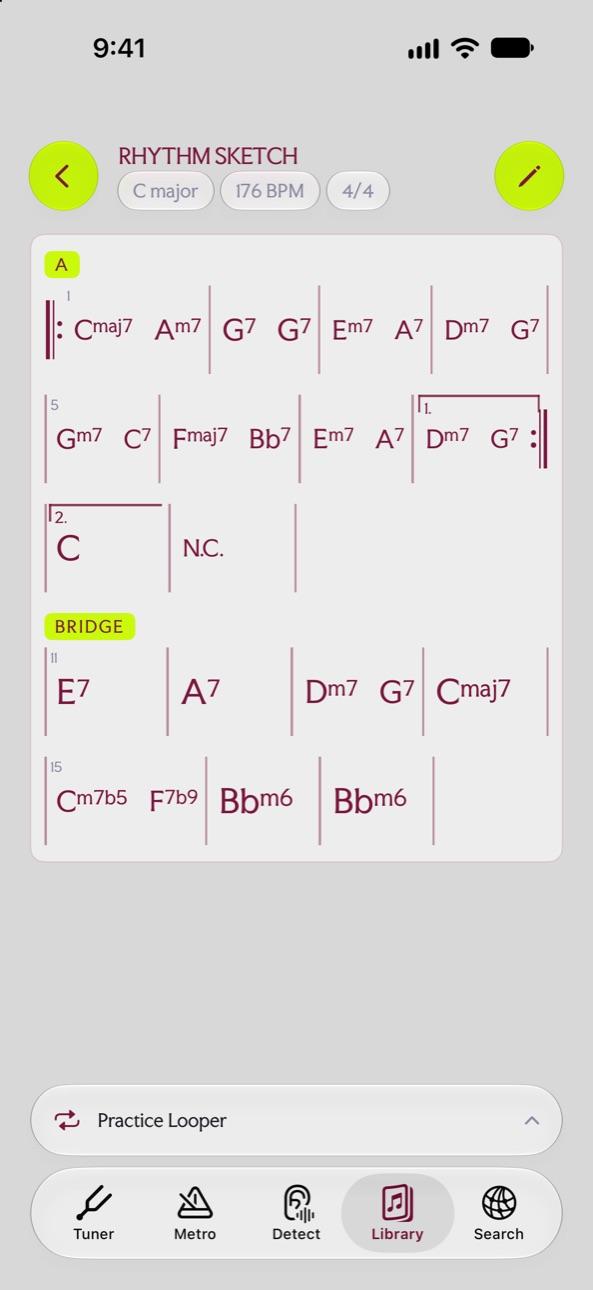
Chord charts in Pro Musician Toolkit are written bar by bar, the way a band reads them. Each chart carries its key, tempo, time signature and length at the top.
Write it
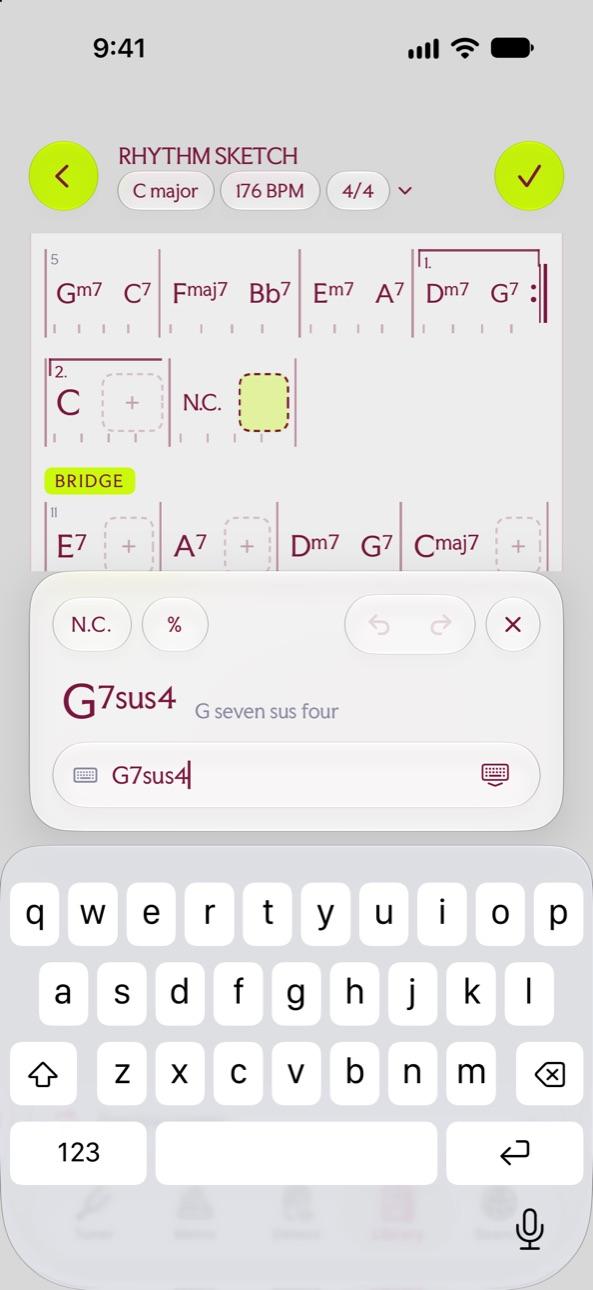
Press + to create a chart, then press the pencil to write some bars. Type a chord, and the keyboard offers the chord symbols you need, such as G7sus4.
Repeats, lyrics and simile bars
- Mark where a repeat goes back to, and how many times it is played.
- Add a lyric cue under a bar.
- Use the simile marks: the bar before, again, or the two bars before, again.
- Label sections such as the bridge.
Transpose the whole chart
Press -1 or +1 to move the whole chart a semitone at a time, for a different singer or a capo.
Questions
Can I transpose a chord chart?
Yes. The -1 and +1 buttons move every chord in the chart by a semitone.
Where are the charts kept?
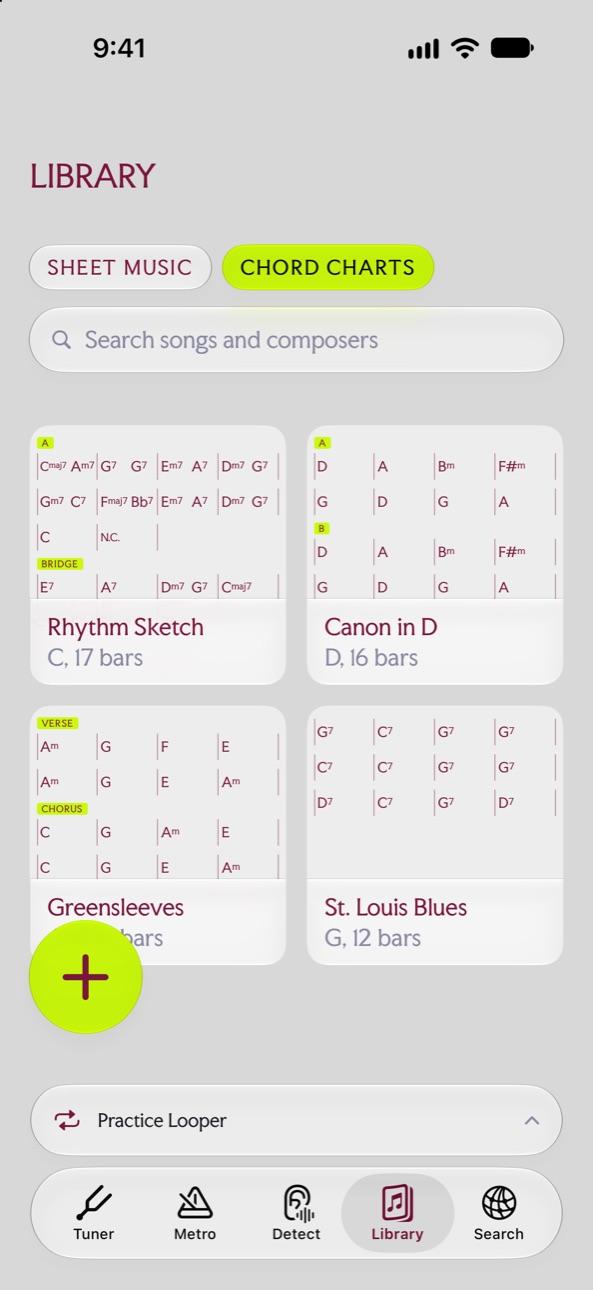
In the Library, on the Chord Charts tab next to your sheet music.
Try it in Pro Musician Toolkit
Free on the App Store for iPhone and iPad. Requires iOS 17 or later.