 Pro Musician Toolkit
Your sheet music, sorted by song
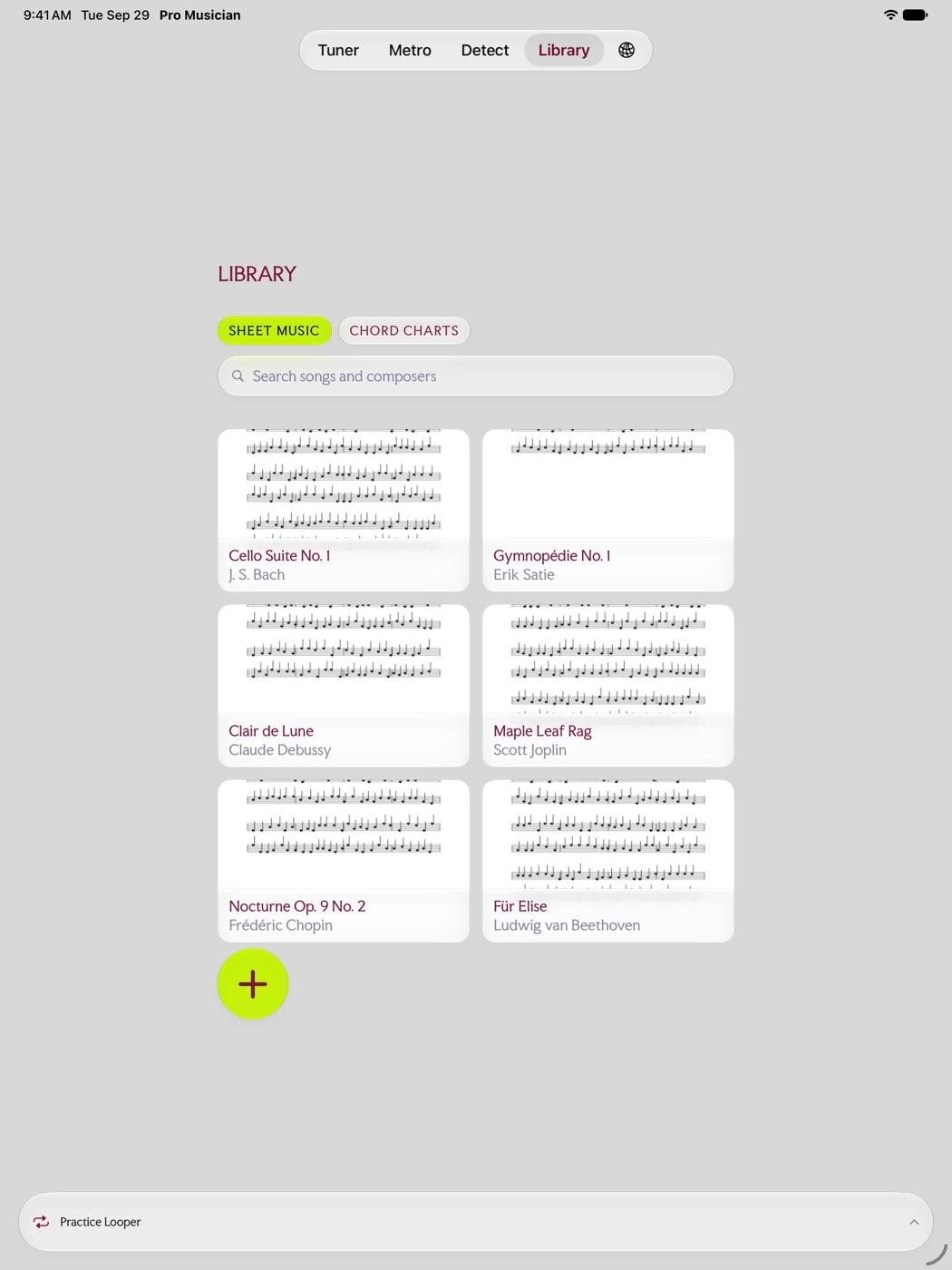
The Library keeps your sheet music PDFs organized by song, with notes. Search by song or composer and the score is open on the stand in a tap.
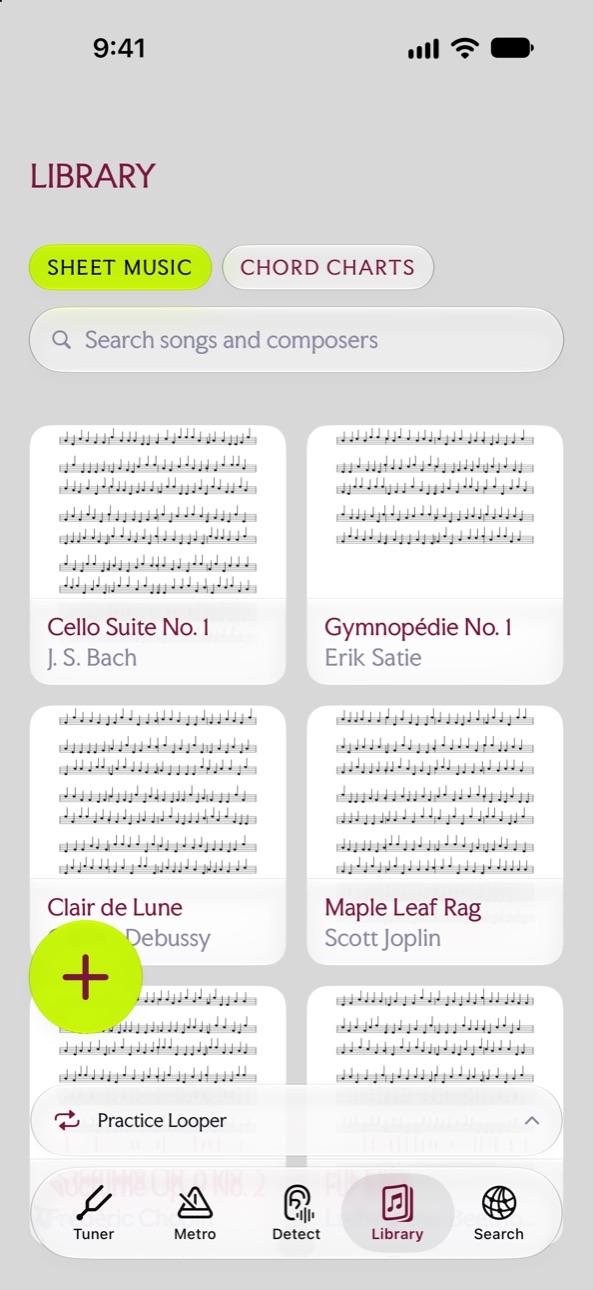
Add scores from Files
Press + and add a score from Files. Any PDF works, whether it is a scan, an IMSLP download or an export from your notation software.
Notes on every song
Add notes, such as the key, capo, tempo and anything else you need to remember, like play at 140 BPM, or the chord in bar 3 is Dm7b5.
Find it fast
- Search songs and composers from the top of the Library.
- Sheet music and chord charts live side by side, one tab apart.
Questions
Which files can I add?
PDF files, from Files or anywhere Files can reach, such as iCloud Drive.
Does it work on iPad?
Yes. Pro Musician Toolkit runs on iPad, which makes a good music stand for scores.
Try it in Pro Musician Toolkit
Free on the App Store for iPhone and iPad. Requires iOS 17 or later.